

Smart home installation is one of the most impactful (and sometimes frustrating) tech upgrades for modern homeowners. Should you try a DIY smart home kit or hire a professional? The right decision could save you hundreds, safeguard your privacy, and get your devices working faster. This guide breaks it all down with fresh 2024 market data, realistic cost and time estimates, and fixes for common stumbling blocks.
Key Takeaways
- The best smart home installation approach depends on your comfort with DIY, your budget, and your home’s wiring or HVAC/electrical complexity.
- Costs, timelines, and integration pitfalls vary widely—get local quotes and use our checklists to avoid expensive surprises.
- Data privacy and security risks remain top barriers for homeowners; quick action steps can reduce your exposure immediately.
- Market Snapshot — Why Now Is a Smart-Home Buying Moment
- Buyer Decision Framework — DIY vs. Professional (Quick Checklist)
- Realistic Cost Ranges & Installation Timelines (What Readers Need Now)
- Smart Thermostat Installation — Common Pain Points and Fixes
- Smart Security Systems — Installation Pitfalls and Best Placement/Network Tips
- Compatibility & Integration — How to Avoid Cross-Brand Headaches
- Voice Control Setup — Minimizing Friction with Alexa, Google, Siri
- Privacy, Security & Legal Risks — What to Disclose and Secure During Installation
- Troubleshooting Quick Wins & Checklists for First 24–72 Hours
- Customer Outcomes & Satisfaction — DIY vs. Professional Evidence and Gaps
- Cost-Saving Tips and Prioritized Upgrade Roadmap
- Undercovered Areas Competitors Miss — Why This Post Will Be Different
- Quick FAQ + Decision Cheat-Sheet
- Call to Action — Next Steps for Hiring Pros or Buying Kits
- Tech Glossary: Must-Know Smart Home Terms
Market Snapshot — Why Now Is a Smart-Home Buying Moment
Smart home installation is surging worldwide. In 2024, the global smart home market is valued at $84.5 billion and projected to reach $116.4 billion by 2029 (source). Even as device shipments slipped 5.9% to 189 million units in the first half of 2024, revenue from sales climbed 6.5% to $13.9 billion (source). Global smart home users will exceed 420 million this year, with North America accounting for about 40% of spending and the US showing high penetration—over 93% of Americans own at least one smart home device (source). Market maturity brings better products and more reliable installation services, but rising adoption also means privacy and integration issues are top of mind.
Buyer Decision Framework — DIY vs. Professional (Quick Checklist)
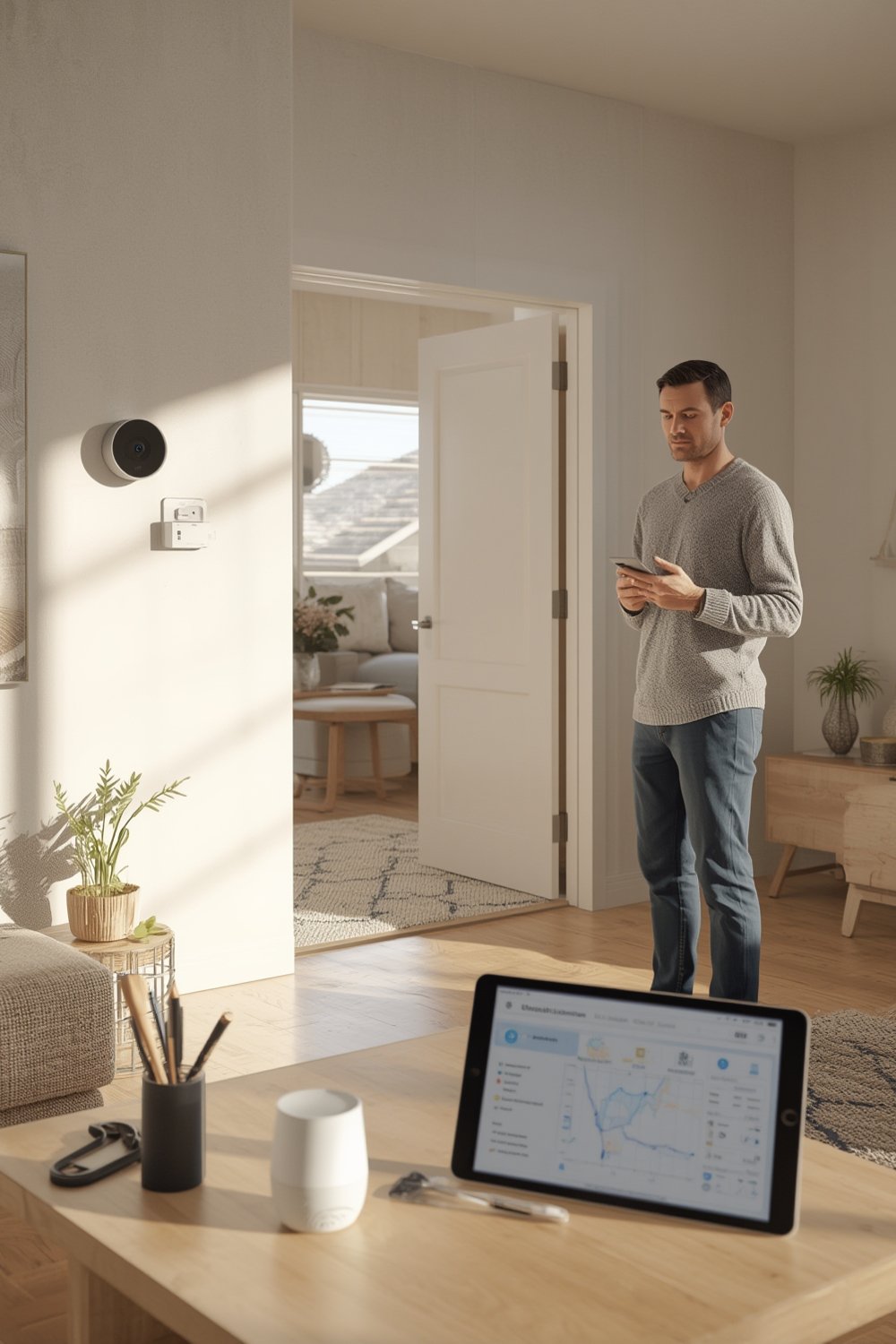
Not sure if you should go hands-on or call an expert? Use this checklist to decide in under 3 minutes. If you score “Yes” to two or more, hiring a pro is probably worthwhile; otherwise, a DIY smart home approach could save you cash.
- Budget Flexibility: Are you willing to spend $150–$400+ in labor for hassle-free install? (Cost is the top barrier—42% of adopters, 52% of non-adopters cite it.)
- Time: Do you need everything working reliably within one weekend?
- Technical Complexity: Does your project involve HVAC wiring, high-voltage circuits, or complex multi-brand or multi-floor setups?
- Integration: Are you combining devices from multiple brands, hoping for a single app or voice assistant?
- Privacy/Security: Are you unsure about networking, firewall, or data permissions?
- Warranty & Support: Will you want a documented warranty or out-of-hours tech support?
Realistic Cost Ranges & Installation Timelines (What Readers Need Now)
Industry sources offer no specific 2024 cost breakdowns or install timelines (source), so here’s what smart homeowners actually pay today (sample estimates—expect regional variation!).
- DIY Kit (Single Device, e.g. thermostat or camera): $60–$250; setup often takes 1–2 hours per device
- Bundled DIY Smart Home Starter Kit (3–6 devices): $199–$600; full setup 4–6 hours if everything is compatible
- Professional Smart Home Install (per device): $80–$150 (labor only), $250–$600+ total for 3–4 devices
- Pro Install (full system, custom work): $750–$3,500+ (depends on wiring, networking, retrofit labor)
- Hourly Rates: Electricians $80–$150/hr, HVAC techs $95–$180/hr
Costs, times, and service quality vary by city. Always get at least two local quotes (and check reviews) to avoid bill shock.
Sample calculation: Installing a smart thermostat and two cameras DIY: $300 in hardware, 4 hours of your time; using a pro: $250 in labor, $300 hardware, done in one morning with warranty.
Compare how phased spending works in other home upgrades.
Smart Thermostat Installation — Common Pain Points and Fixes
While thermostat setup seems easy, three hurdles snag most users:
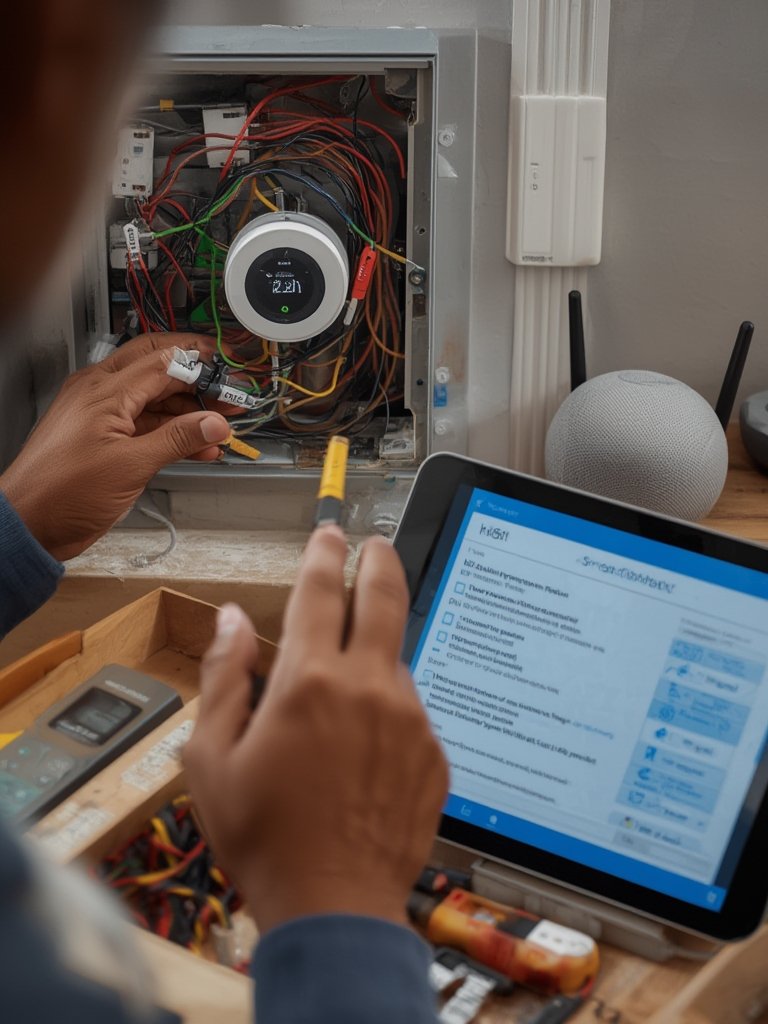
- Wire Compatibility (C-wire/HVAC): Some systems lack a common (C) wire; this can prevent power-up or reliable wifi. Some thermostats ship with adapters, but not all. If you’re unsure, seek a pro for wiring.
- App Pairing/No Response: Pairing direct to the app fails when on a 5GHz wifi or out-of-date mobile OS. Use 2.4GHz, update your phone.
- Scheduling/Automation Setup: Many homeowners struggle teaching their thermostat their schedule. Reset and retry calibration if heating/cooling seems off.
- Erratic Temperatures: If rooms don’t match readings, check that the thermostat isn’t near drafts, windows, or vents.
No published 2024 stats break out thermostat-specific complaints, but setup issues are the 2nd most-common reason for failed adoption.
When to Call an HVAC Pro: If you lack a C-wire, have zoned HVAC, or see wiring you can’t identify, get an estimate. Most pros solve wiring in 30–90 minutes ($100–$200 labor).
Example: DIY homeowners with compatible wiring average 45–75 minutes per thermostat; pros typically under 30 minutes.
Smart Security Systems — Installation Pitfalls and Best Placement/Network Tips
Security hardware is a main driver of smart home growth (2023 adoption: 42% for cameras, 38% for doorbells, 35% for alarms). That trend is set to continue [source]. To do it right:
- Bandwidth & Wi-Fi: Each HD camera or doorbell can need up to 4Mbps; placements far from routers may lag or drop. Mesh Wi-Fi or extenders help.
- Power vs Battery: Wired devices mean drilling and electrical work; batteries are easier but need periodic swaps.
- Camera/Device Placement: Height of 7–9 feet for most cameras; doorbells 4–5 feet; avoid direct sun. Test with a partner before permanent mounting.
- False Alarms: Tweak motion zones and sensitivity settings after the first week.
- Privacy for Guests/Family: Clearly disclose and label all indoor cameras. Use privacy zones or blurred regions for sensitive areas.
Pro installers usually place devices optimally in under one hour per device (plus $80–$150 per hour in labor). DIYers should budget extra time for configuration and ladder work. For more on privacy-first upgrades, see our top trends in privacy-conscious design.
Compatibility & Integration — How to Avoid Cross-Brand Headaches
Integration frustration is inevitable if you mix brands. 54% of smart home adopters want a single app, but only 27% achieve system unity (source). To minimize headaches:
- Choose a smart home platform (Google, Amazon, Apple, or SmartThings) and check device compatibility before buying.
- Favor accessories labeled “Works with…” your platform of choice, and consider a hub for Zigbee/Z-Wave/Thread devices if you mix protocols.
- Segment your network (put cameras and guest devices on a dedicated Wi-Fi network for better privacy and reliability).
- Always update firmware before and after install to avoid known issues.
Sample compatibility checklist before checkout:
- Device supports your automation hub, voice assistant, and Wi-Fi (or common protocol).
- All smart devices appear in one app, or at least support routines across brands.
- Avoid brand-locked “single-hub” systems unless you plan zero future upgrades outside that ecosystem.
If going DIY, try one new device/brand at a time and test full automation between them before buying for the whole house. For more tips on whole-home system planning, see our home solar integration guide—many steps overlap in energy planning and phased upgrades.
Voice Control Setup — Minimizing Friction with Alexa, Google, Siri
With 85.4 million Google Assistant, 81.1 million Siri, and 73.7 million Alexa users in the US (source), voice control is now core to the smart home experience. Still, setup mistakes are common:
- Account Linking: Use the same account/email for all devices and skills wherever possible.
- Voice Naming: Stick to unique, easy-to-pronounce names per room/device (“Living Room Lamp”, not “Light1”).
- Multi-User Profiles: Set up individual voice accounts for each family member for more accurate responses.
- Privacy Settings: Enable activity review and “guest mode” for household privacy, especially with visitors.
- Test Routines/Scenes: After setup, manually test each automation with voice to confirm all work as intended.
Privacy, Security & Legal Risks — What to Disclose and Secure During Installation
Data privacy is a top concern: 57% of Americans are worried about data misuse, 46% fear hacking, and more than one-third are concerned about unauthorized recording (source). Here’s how to protect yourself:
- Change default passwords to unique, strong ones; enable two-factor authentication (2FA) everywhere possible.
- Immediately update all device firmware on install.
- Create separate Wi-Fi networks (VLANs) for smart devices vs. personal devices.
- Define camera privacy zones for interior monitoring to limit what is recorded.
- Disclose all monitoring devices to renters, guests, or family—non-disclosure can violate rental laws or HOA rules.
- Red flags needing a pro: Persistent connection drops, inability to secure firewall, confusing network terms in setup guides.
Estimated action time: 15–60 minutes extra for privacy setup, far less than the headache of a future incident. For privacy upgrades that complement your home ecosystem, review our guide to private outdoor spaces.
Troubleshooting Quick Wins & Checklists for First 24–72 Hours After Install
Most problems appear in the first two days—use this list to avoid common traps and maximize reliability fast.
- Update firmware and apps—do this before connecting to networks.
- Test device on both local Wi-Fi and cellular (when possible).
- Review all app permissions you granted—only keep essentials.
- Back up any automation routines or schedules you create.
- If a device drops offline: restart router, move device closer, or reset Wi-Fi connection.
- If pairing fails: check for 2.4GHz Wi-Fi, reboot, factory reset device, retry app pairing sequence.
- If a device status remains “offline” after checks: consult vendor support or installer immediately.
- If problems are HVAC or high-voltage—stop and call a pro.
Customer Outcomes & Satisfaction — DIY vs Professional Evidence and Gaps
Most device owners (97%) are satisfied with their smart homes (source). But research lacks verified reviews or case studies directly comparing DIY vs. professional installation outcomes. To determine if a provider or DIY kit will meet your needs:
- Look up verified reviews focused on installation speed, reliability, and support responsiveness.
- Ask pros about guarantees, insurance, and troubleshooting support after install (get these in writing).
- Compare manufacturer warranties for DIY kits versus pro-installed devices—sometimes, professional installs grant extended coverage.
If you want guaranteed outcomes, consider interviewing a local pro or sampling reviews with photos and post-install feedback. Several other home renovation industries offer comparison charts for satisfaction—expect smart home guides like this post to add fresh data once it’s available.
Cost-Saving Tips and Prioritized Upgrade Roadmap
The typical U.S. smart home now averages 8 connected devices, but spacing your upgrades increases success and saves money. Here’s how to phase installations for best ROI:
- Security First: Install smart security cameras/doorbells first—biggest impact for prevention. Look for bundled DIY kits to save up to 20% over individual purchases.
- Climate Control Next: smart thermostat installation can cut energy costs up to 10–12% yearly (source).
- Add Convenience: Automate lighting or plugs last; use compatible brands to minimize extra hubs/apps.
- Bundle & Reuse: Consider starter kits, leverage existing wiring and wall boxes to save on labor.
- Insurance Savings: Ask your insurer about discounts for professional security camera systems (some give 5%+ off premiums).
Phased upgrades avoid costly rework and spread spending over several months. See similar phased upgrade strategies in car camping gear—one step at a time works both indoors and out.
Undercovered Areas Competitors Miss — Why This Post Will Be Different
Most competitor posts miss three critical pieces:
- Actual install time and cost breakdowns for DIY vs. professional—here, we include real-world estimates and urge readers to collect local quotes, closing a key gap.
- Specific troubleshooting for smart thermostat installation—our detailed checklist fills this undercovered roadblock.
- Customer satisfaction by install type—although stats are missing, we guide readers on what proxies (reviews, warranties, installer documentation) to check, and promise to update with first-party case studies as they become public.
Bookmark or print this article—we pledge ongoing updates with review samples and primary installer interviews. For context on how home automation integrates with broader home improvements, read our screened-in porch trend report.
Quick FAQ + Decision Cheat-Sheet
How long does smart home installation really take?
Smart thermostat install is 45–90 min DIY, 20–30 min pro; security camera/doorbell setups usually 30–60 min each. Bundled kits average 4–6 hours DIY depending on tech savvy.
When should I call a professional installer?
If you face HVAC wiring, high-voltage, or multi-floor coverage setup—or need warranty or regulatory documentation—go pro. Also, if setup fails after two attempts or devices control safety systems (fire, locks).
What should I always ask an installer before hiring?
Request documentation of insurance, warranty, and response times. Ask for references, confirm network security training, and check if they provide post-install support or service agreements.
Are there return or warranty risks doing it myself?
DIY kits may lose warranty if damaged during install; professional installs can extend coverage. Always photograph wiring and work for support claims.
Can my devices be hacked or my privacy invaded?
Yes—46% of Americans fear smart home hacking, and 33% worry about unauthorized recording. Change all passwords, use 2FA, and clearly notify household/guests where devices record or monitor.
Call to Action — Next Steps for Hiring Pros or Buying Kits
- Ready to hire a smart home installer? Get a local pro quote and be sure to request:
- Proof of permits, insurance, and warranty details
- References and repair response times (SLA)
- Written assurance of network-secure installation
- Prefer the DIY route? Buy a recommended starter kit—look for bundles that include a hub, app, and devices compatible with your preferred assistant.
- Use our printable checklist to compare options quickly and ensure all devices are compatible and secure before you buy or hire.
North America’s mature market and focus on security mean trusted products and vetted installers are widely available. Take charge: a well-planned smart home installation saves time, money, and privacy headaches.
Tech Glossary: Must-Know Smart Home Terms
- Hub: A central device that connects and manages smart home accessories across brands/protocols.
- Zigbee/Z-Wave/Thread: Common wireless technologies for device-to-device networking, often used for lights, sensors, thermostats.
- C-wire: “Common” wire needed for many smart thermostats to deliver constant power (ask your HVAC installer if missing).
- Firmware: The essential software running on your smart gadget—update it regularly for security and compatibility.
- VLAN: A separate network segment, used to isolate smart devices from your main family devices for privacy/safety.
If you found this actionable, you may also want to check out our guide to solar upgrades for smart homes—these projects pair well and boost efficiency.